Install on Amazon Fire TV
-
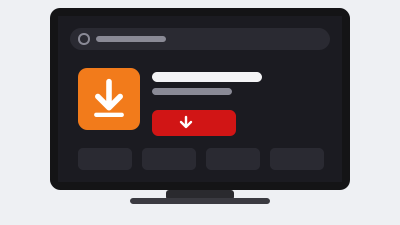
Get the free “Downloader” app
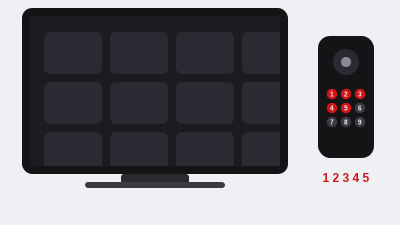
On your Fire TV, search for Downloader in the app store and install it.
-
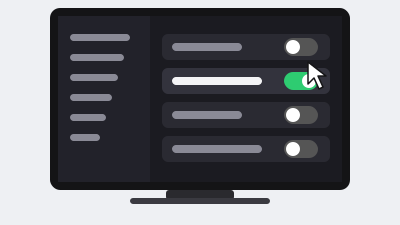
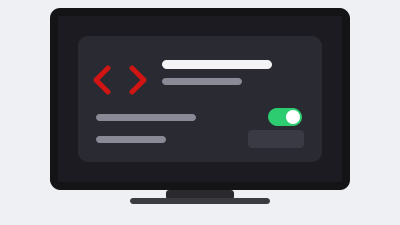
Allow it to install apps
Settings → My Fire TV → Developer options → Install unknown apps → turn on Downloader.
No “Developer options”? Go to Settings → My Fire TV → About and click your device name 7 times.
-
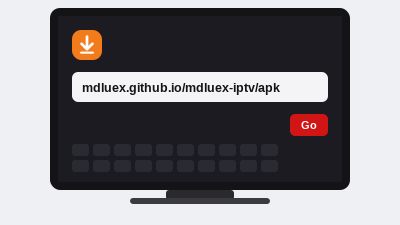
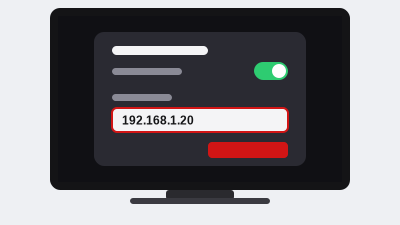
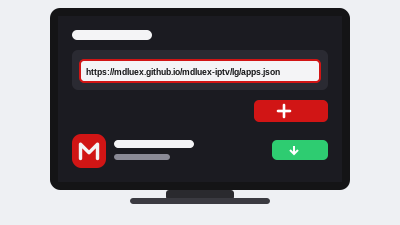
Type this address and press Go
mdluex.github.io/mdluex-iptv/apkThe newest version downloads by itself.
-
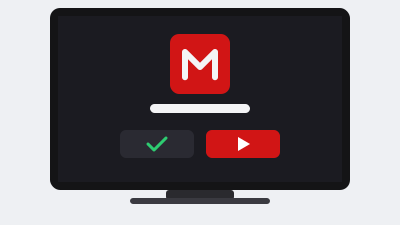
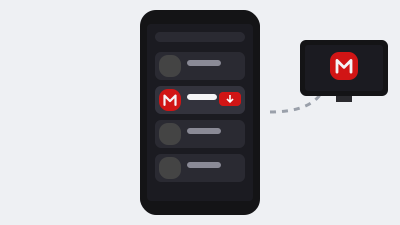
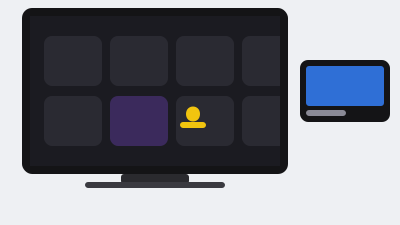
Choose Install, then Open
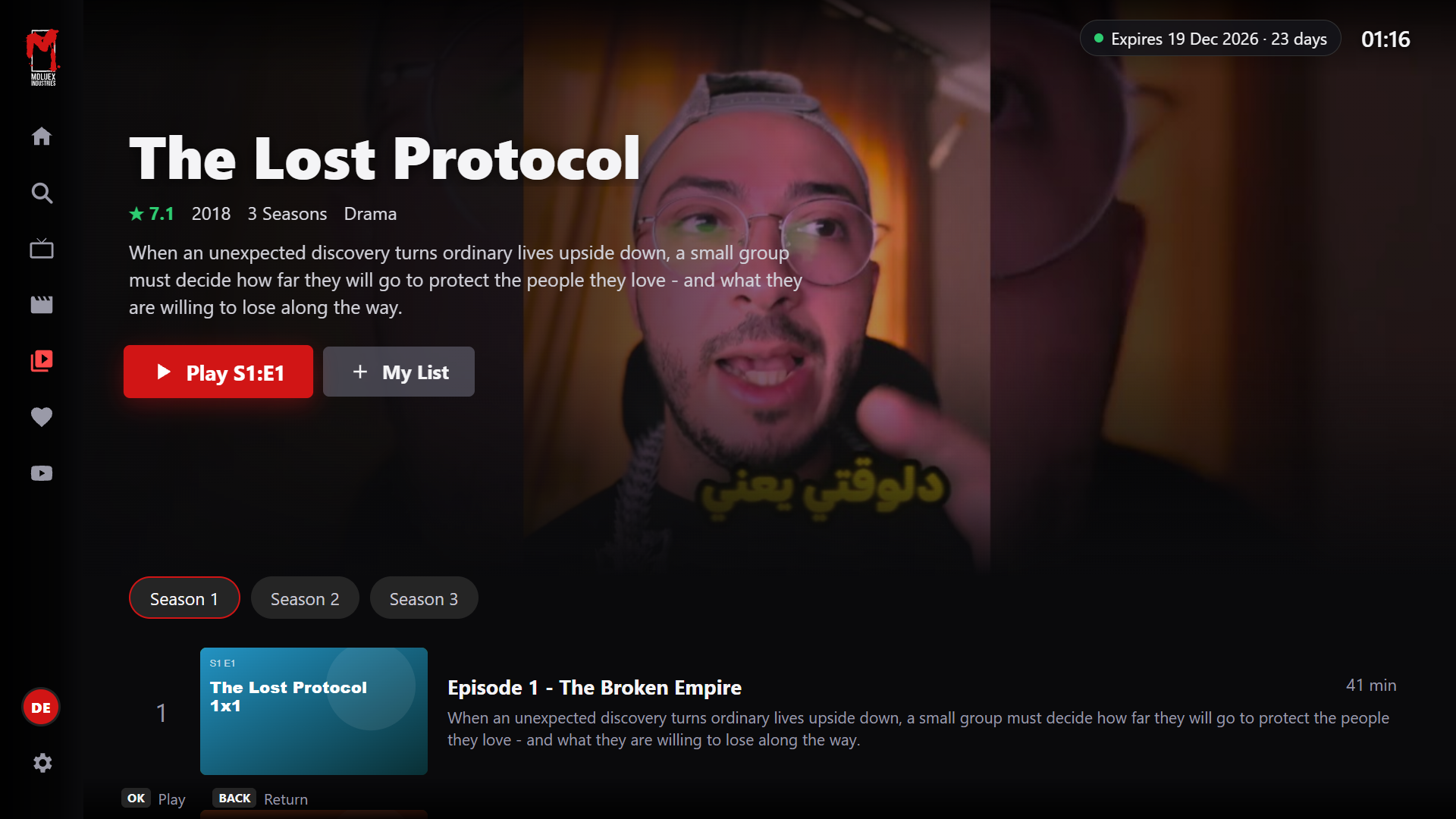
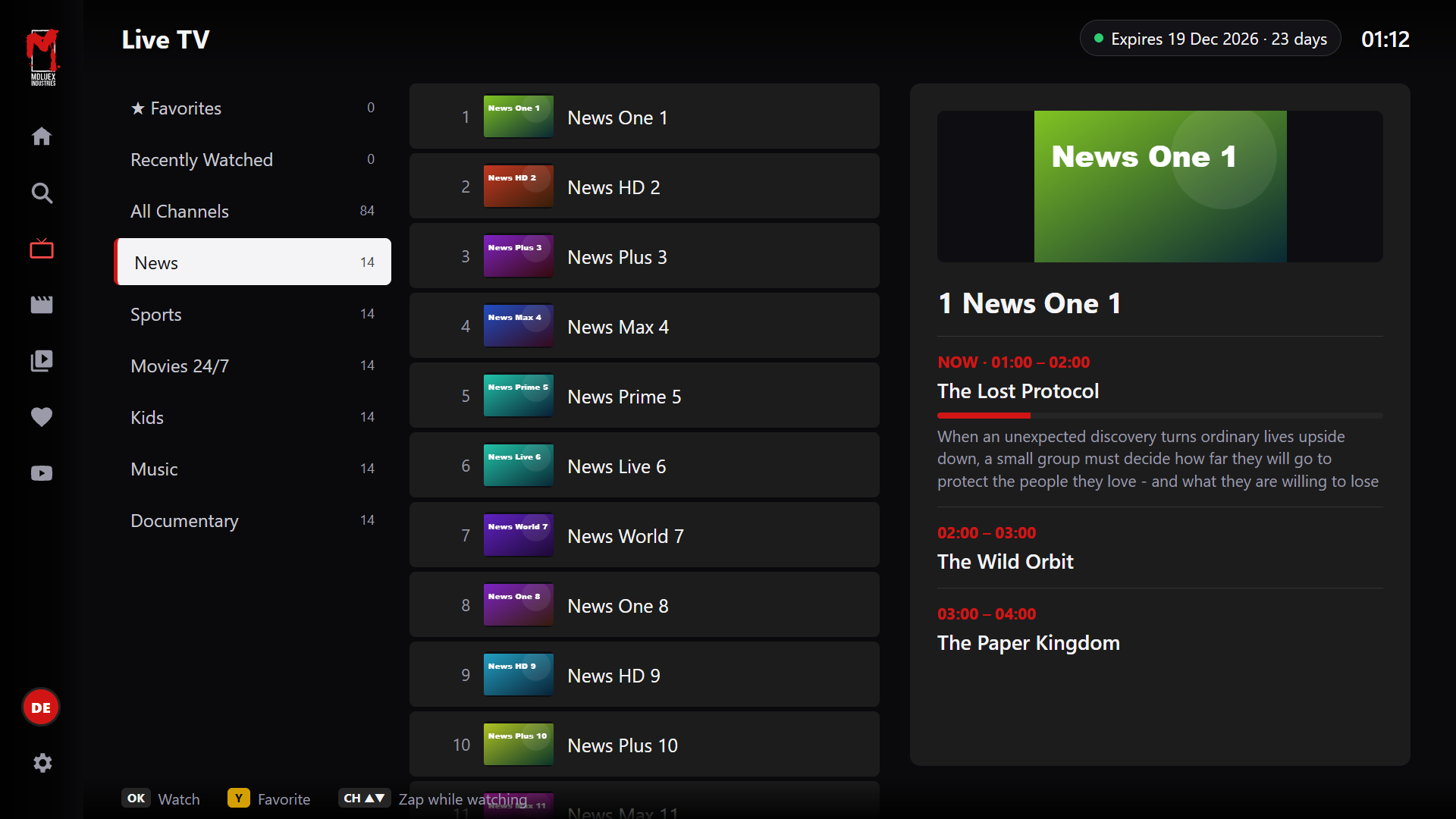
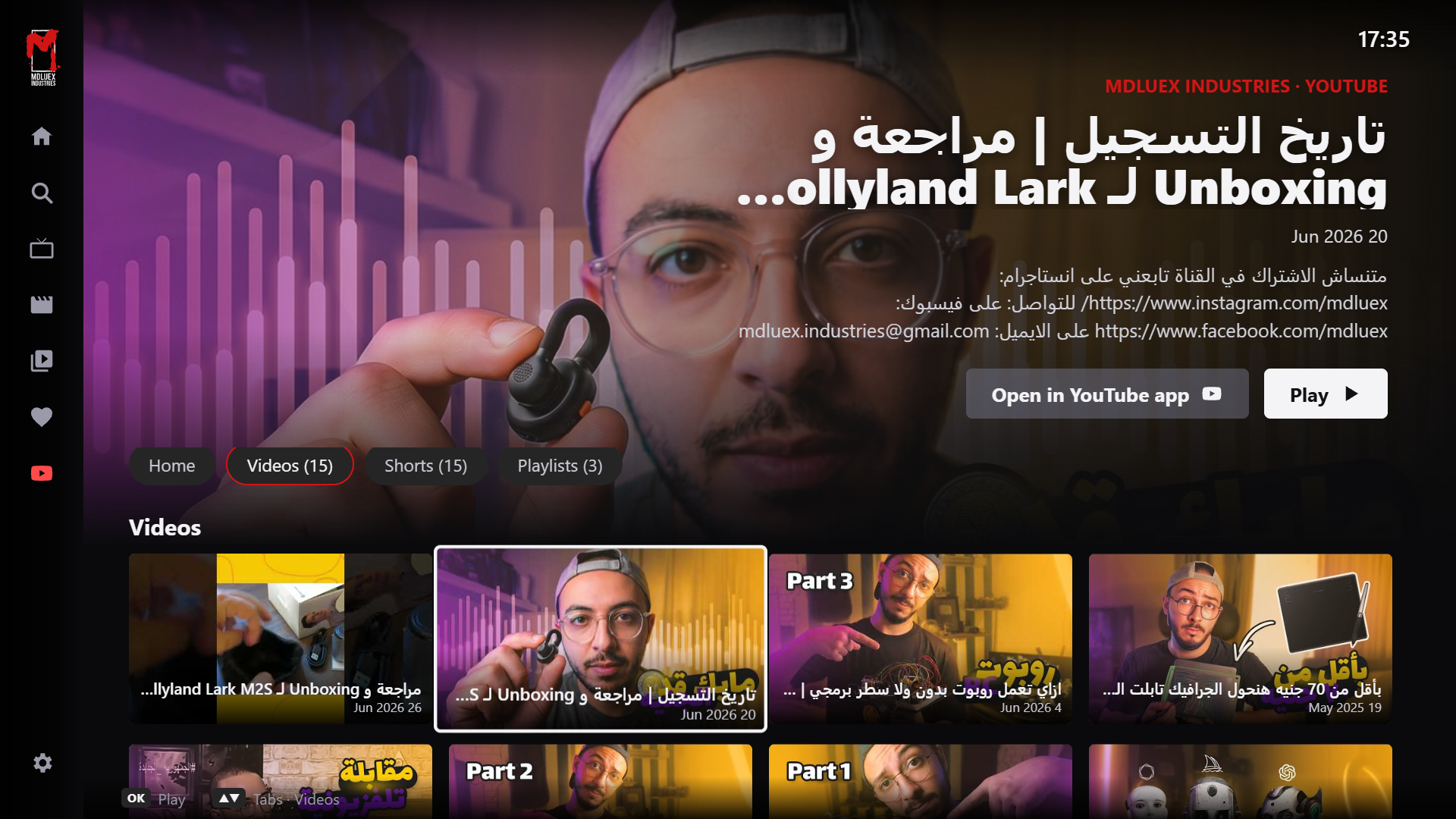
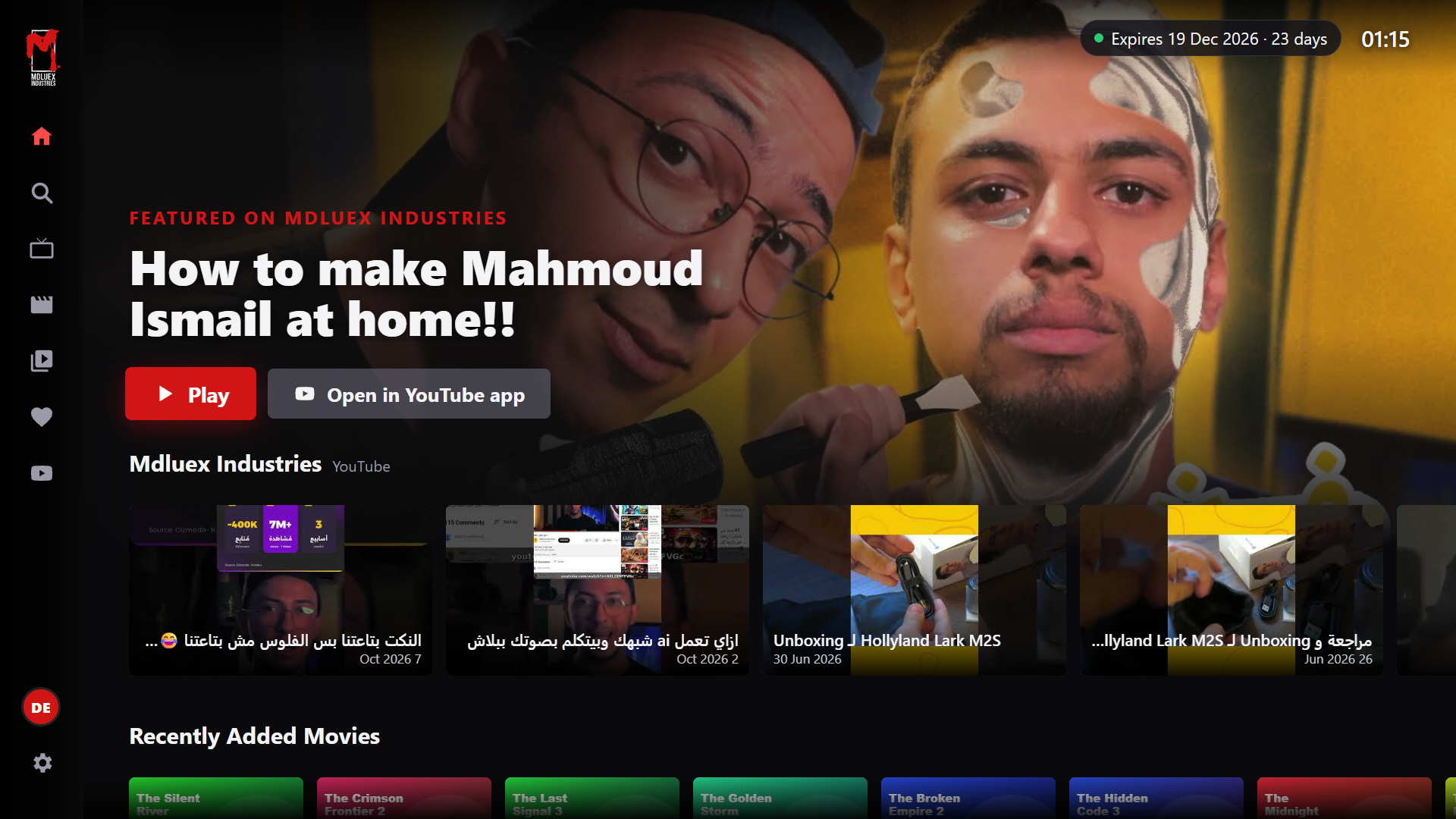
Next time you'll find Mdluex IPTV in “Your Apps & Channels”.
The newest Fire TV devices that run Vega OS can't install apps from outside Amazon's store, so Mdluex IPTV won't run on them.